Digital Injury Claims
A modern injury claims experience that replaces paper-heavy workflows, accelerates case resolution, and recovers revenue lost in manual processing.
Role:
End-to-end UX for digital claims workflow
Users Impacted:
250K+ Associates / 120 Managers
Tools:
Figma/ Prototyping / Usability Testing / Design System
Results:
Weeks-to-days processing / $2 Million recovered lost claims revenue
Overview
User Problem
Store associates and managers had to report injuries using paper forms or outdated tools, leading to incomplete details, confusion about what to do next, and delays in getting care and follow-up.
Business Problem
The organization was losing visibility into workplace injuries and leaving potential claims revenue uncollected due to inconsistent reporting, duplicate entries, and fragmented systems across stores and departments.
Success Metrics
Reduce average claim submission and processing time from weeks to days.
Increase completion rate of injury reports initiated by associates.
Improve data quality to support safety analytics, HR, and legal workflows.
Research
Overview
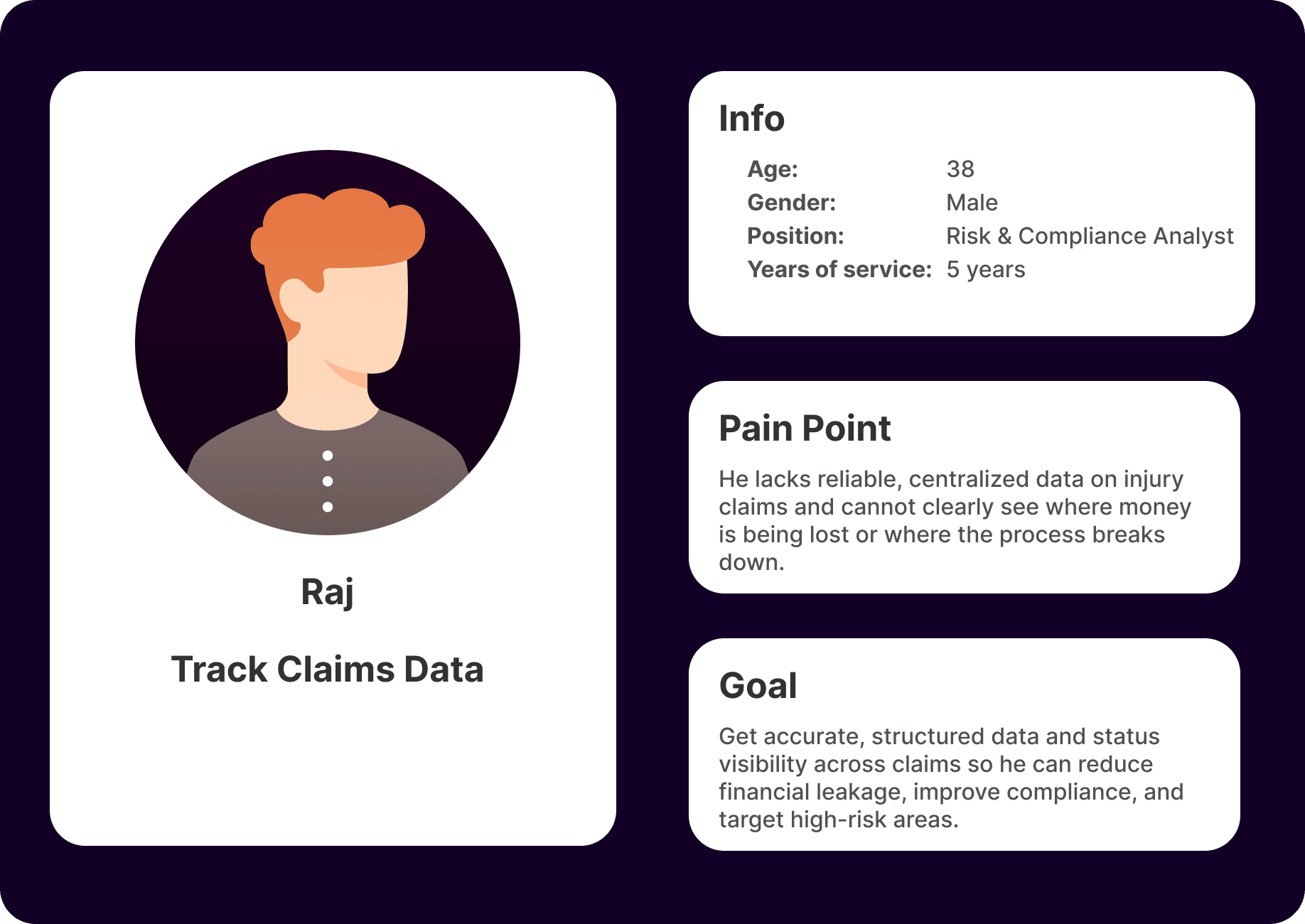
I collaborated with HR, safety, and claims teams to document the current-state journey from incident to closure, then interviewed associates, managers, and claims specialists to understand pain points and edge cases.
Key Findings
People were unsure which form or channel to use depending on injury type or severity.
Managers spent significant time chasing missing information and signatures.
Claims specialists struggled with incomplete or inconsistent data, causing rework and delayed resolutions.


Design
Wireframe
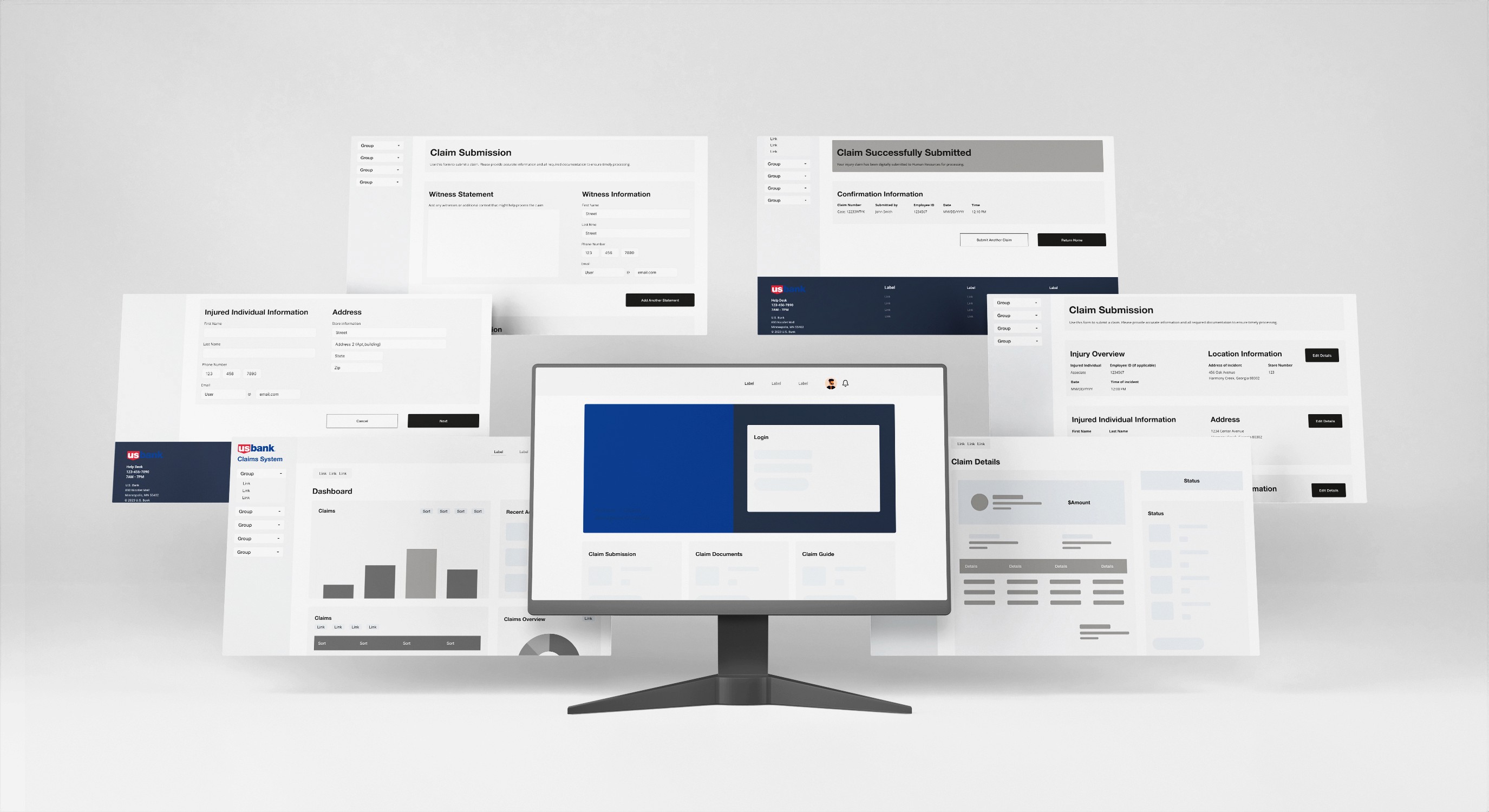
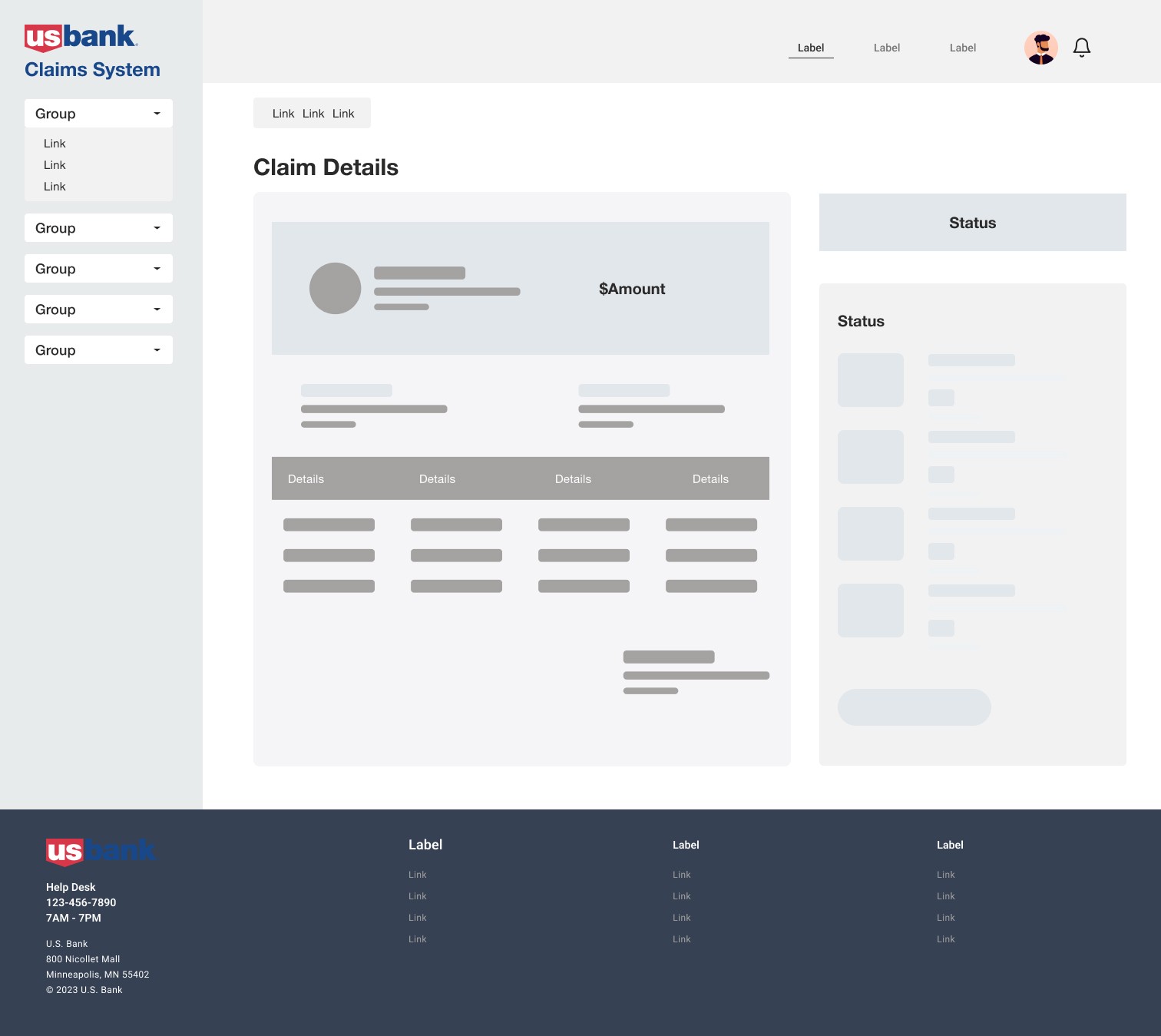
I mapped a guided, step-by-step flow that captured incident details, injury type, and supporting media, then routed the claim to the appropriate team based on built-in business rules. Early wireframes focused on simplifying branching paths and making mandatory fields clear.

User Testing
Using mid-fidelity prototypes, we ran sessions with associates and managers to validate the flow on desktop and mobile. Iterations focused on clarifying legal language, making progress indicators more prominent, and streamlining how users add or edit injury details.
Hi-Fidelity
The final designs adopted the enterprise design system, introduced mobile-first layouts, and emphasized accessibility with clear hierarchy, labels, and error states. A consolidated status view kept associates and managers aligned on where a claim stood at any moment.
Reduced Injury Claim Processing From Weeks To Days
Faster, cleaner claims that protect associates and recover revenue instead of losing it in manual workflows.
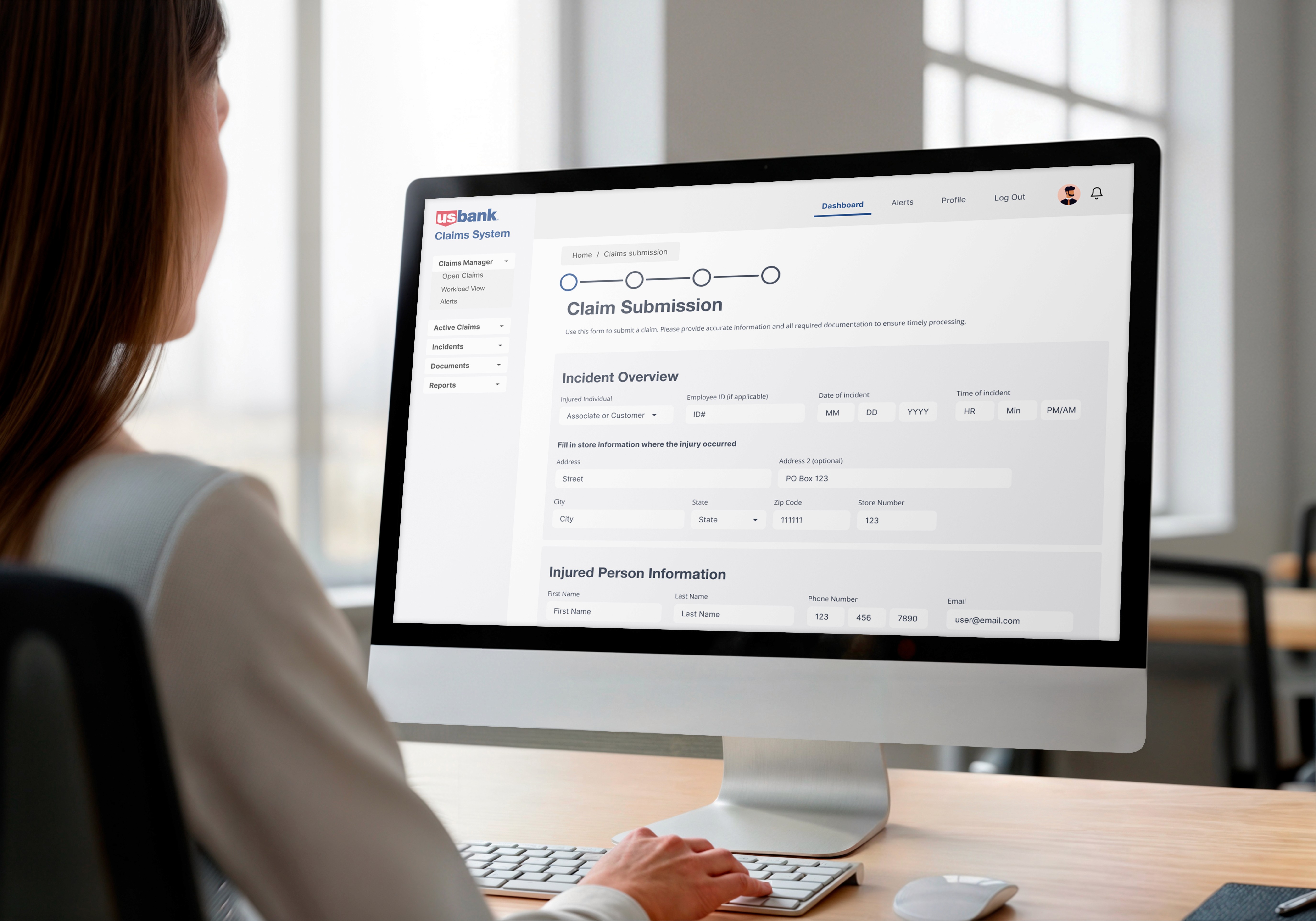
A single, guided flow replaces scattered paper forms
85%
Faster Processing
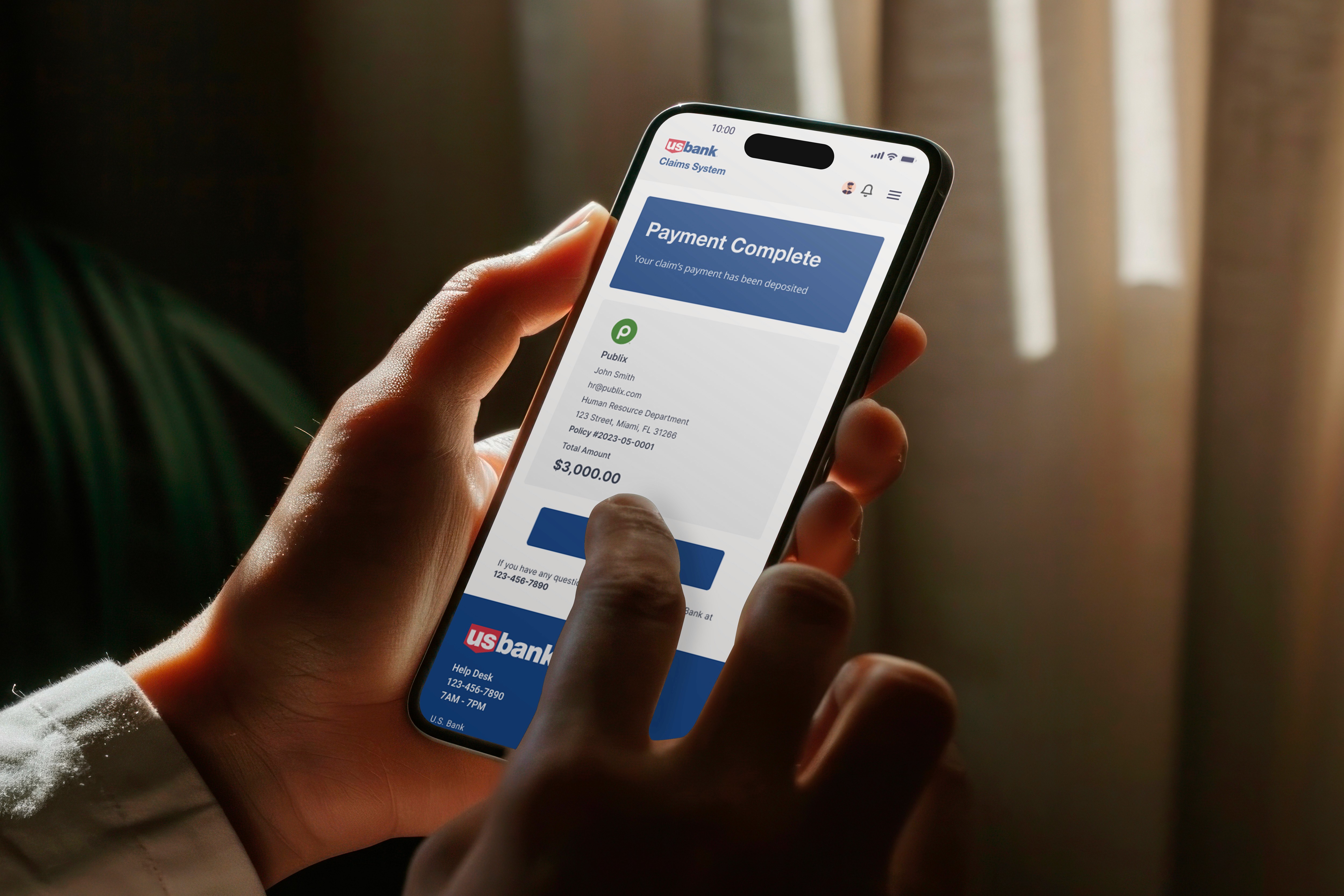
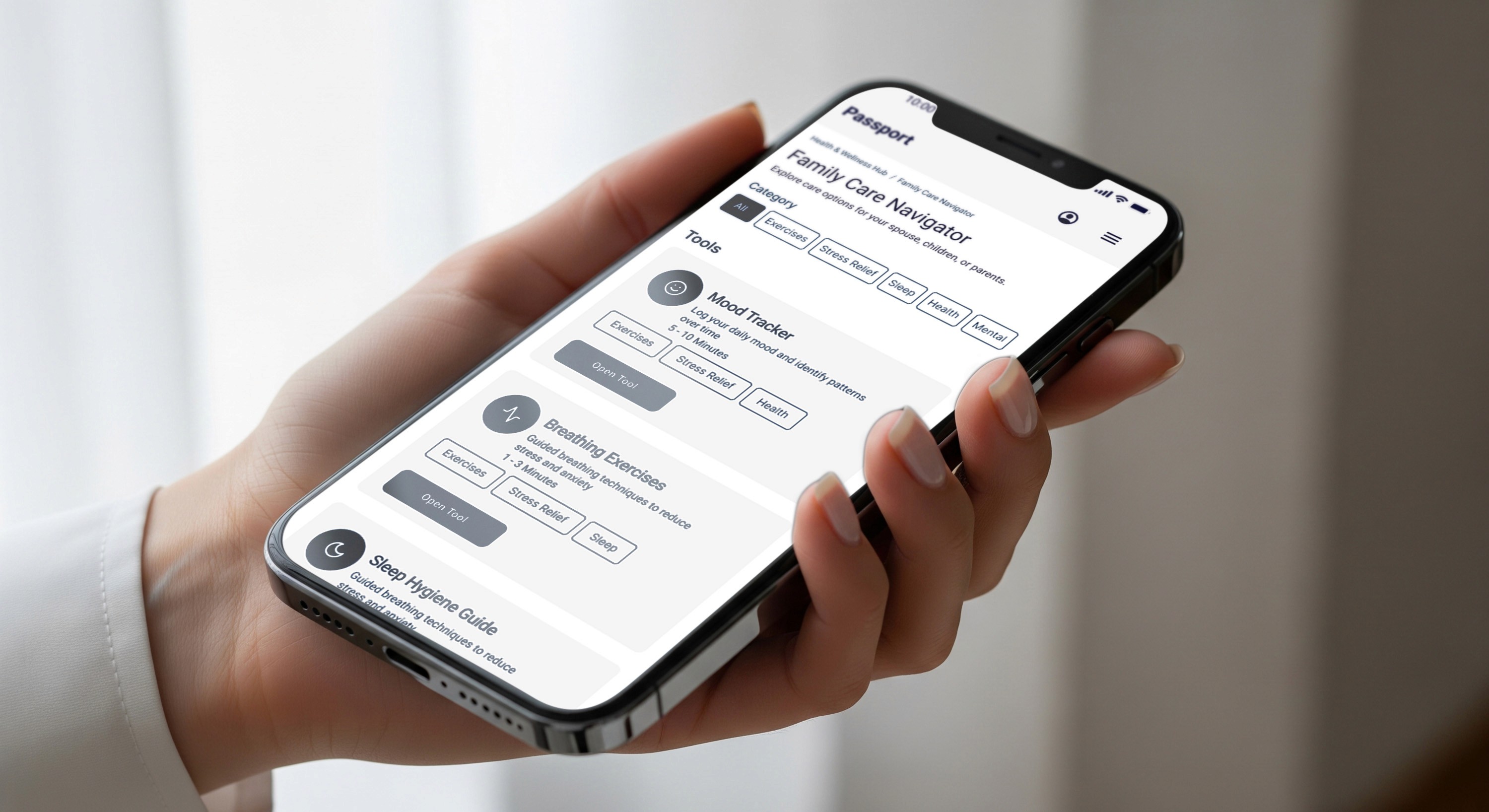
Users can track claim status and payouts from their phone
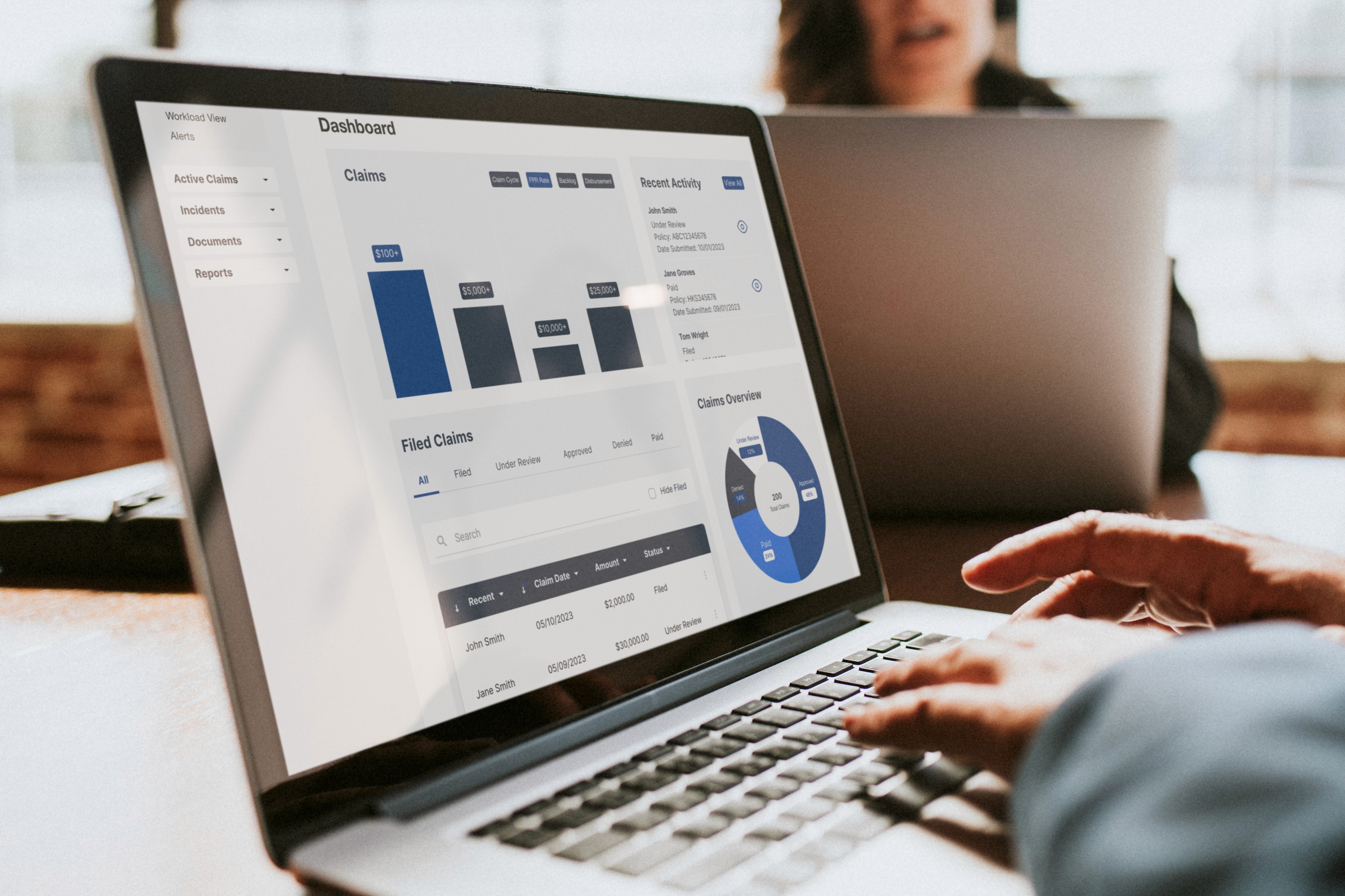
Real-time dashboards turn submitted claims into insight
Results
Through research, design, and testing, the project proved that guided, plain-language flows dramatically reduce cognitive load for injured associates and cut rework for managers and HR. Observing real-world reporting, interviewing stakeholders, and validating prototypes showed that status visibility, inline validation, and clear ownership at each step are just as important as the underlying data fields.
Key Results & Metrics
Claims processing time dropped from weeks to days in typical cases after rollout.
Completion rates improved as associates could submit injury details quickly from store devices.
Better-structured data supported downstream analytics and helped recover claims revenue that had previously been lost in manual processes.
Metric | Before (Paper-Based) | After (Digital System) | Change / Impact |
|---|---|---|---|
Average claims processing time | 14–21 days | 2–3 days | 85% faster processing |
Data entry error rate | High (baseline) | 80% to 90% vs. baseline | Major reduction in rework and denials |
Claim approval rate | Lower baseline | +15 percentage points | More complete, accurate submissions |
Lost / delayed claim value | Significant annual leakage | $2M recovered per year | Revenue recovered instead of lost |
Associate visibility into claim | Low, no single source | Real-time status tracking | Fewer follow-up calls and uncertainty |